


💸
Income & Expense Tracker
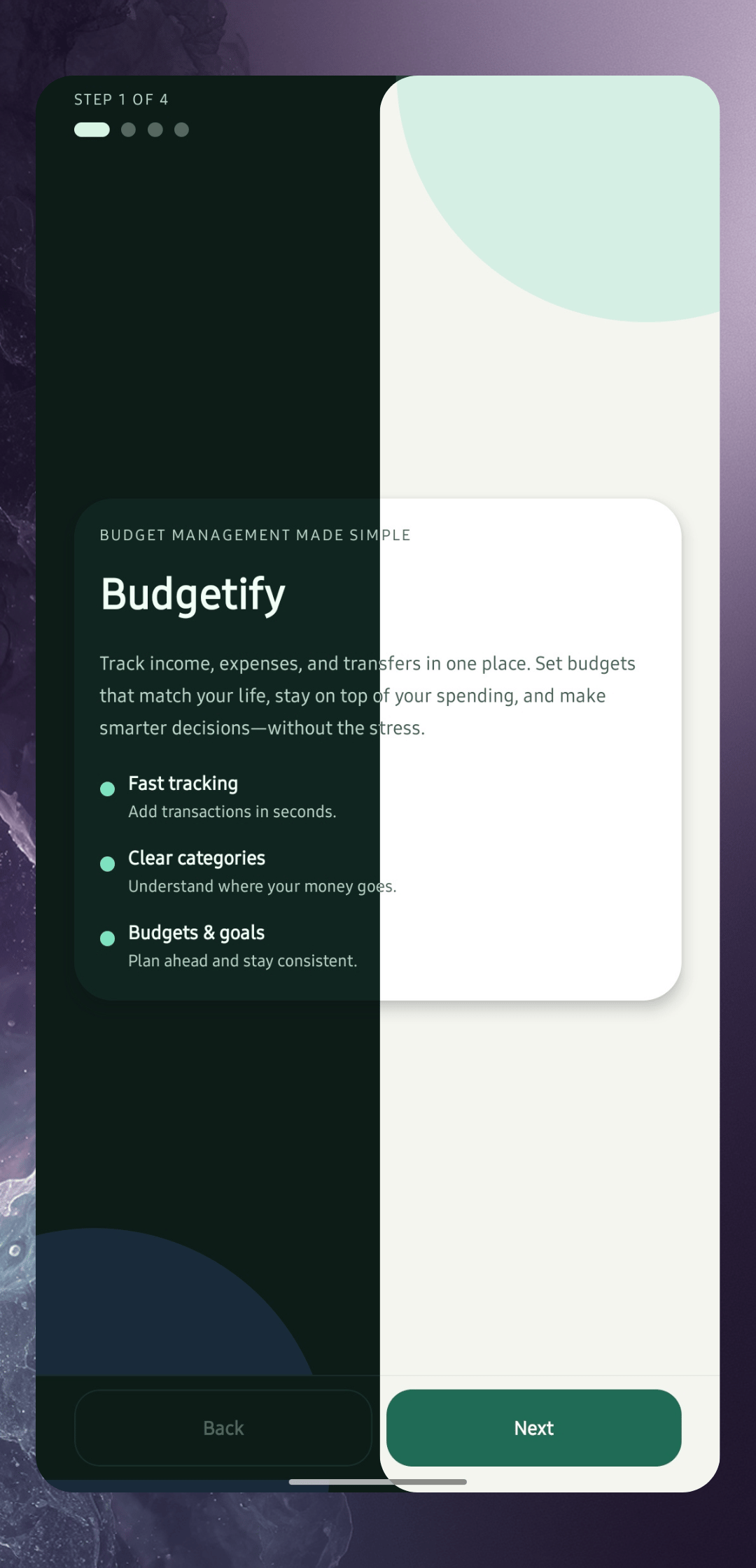
Log income, expenses, and transfers between wallets — including transfer fees. Categorise every transaction and attach labels for precise financial clarity.
Offline-first budget app for Android & web
Offline by Design. Private by Default.
Track income and expenses, manage wallets in 150+ currencies, and visualise your financial life — stored privately on your device by MrVampCruz (Altaaf Hamod). Offline by default. Encrypted end-to-end if you sync. Just you.
Featured on




Budgetify: Money Manager is officially live on Google Play. Download it for free — no ads, no subscription — and start tracking your finances with complete privacy. No account required, and your records stay on your device unless you back them up or turn on Web Sync.
Free on Android, with no ads and every feature included. No account required — offline by default, and your records stay on your device unless you back them up or turn on Web Sync.
Search for Budgetify: Money Manager or tap the button below:
⬇️ Download on Google PlayNo sign-up, no cloud sync needed. Open the app, create your first wallet, and you're ready to go.
Share feedback, suggest features, and connect with other users on our Reddit community.
💬 Visit r/BudgetifyBudgetify: Money Manager keeps it simple and powerful. Built for people who want clarity over complexity.
Log income, expenses, and transfers between wallets — including transfer fees. Categorise every transaction and attach labels for precise financial clarity.
Add asset wallets (cash, bank, savings, crypto) or liability wallets (credit cards, loans). Organise them with custom categories and colours.
Your total net worth is calculated live across all wallets — assets minus liabilities. Hide the balance with one tap for privacy on the go.
Daily, monthly, and yearly bar charts for income and expenses, plus PDF and CSV/Excel report export. See where your money flows and how your trends evolve over time.
Schedule recurring income, expenses, and transfers in auto or manual posting mode — subscriptions, rent, salary, and more. Attach reminders so you never miss a payment, and filter by frequency or status.
Set spending budgets per transaction category and track your progress in real time. Stay within your limits without losing sight of the bigger financial picture.
A dedicated view under Other Tools lists all your subscriptions with a monthly and yearly cost breakdown — know exactly what you're paying and how much it adds up.
See what you owe and to whom, and track saving goals until they are done. Both sit next to your budgets under Other Tools.
Over 150 world currencies. Set your own exchange rates, or refresh live rates up to twice a month — that allowance stays with your device and account.
All backups — local and Google Drive — are AES-256 encrypted. Only Budgetify: Money Manager can read them. Save to your device or your own Google Drive, schedule auto-backups, and restore any past version — all free.
Hide your total balance and wallet amounts with a single tap. Keep your finances private in public without leaving the app.
Organise transactions with custom categories per type (income/expense/transfer) and add labels for deeper tagging and reporting.
Choose Auto (system), Light, Dark, or true-black AMOLED. Resize text, icons and spacing to suit your eyes, and lock the app with a PIN, biometrics, or your screen lock.
Available in English, French, German, Spanish, Portuguese, Russian, Korean, and Dutch. Haptic feedback adds a tactile feel to every interaction throughout the app.
In early access, coming soon for everyone as a one-time purchase. Sync your phone to a private, end-to-end encrypted account and use the same finances on the Budgetify website.
New chart types, smarter search, and more are in development. Every review and suggestion is read and considered.
The same account you use on your phone, on any computer — with nothing to install and nothing left behind when you sign out.
Sign in with the Web Sync account you use in the app. Your wallets, transactions, budgets and recurring bills are all there — no export, no import, no second set of numbers to keep straight. The web app is free while it is in transition.
Catching up on a month of receipts, fixing a mis-categorised batch, or reading a year of history on a screen that fits it. A real keyboard and a wide table make short work of the admin.
It runs in the browser you already have, on a laptop that isn't yours, at a desk you're borrowing. Sign out and nothing is left behind on that machine.
Edit on the web and it shows up on your phone; edit on your phone and the browser catches up on its own. Both ends sync in the background — you never press a sync button.
Web Sync is end-to-end encrypted. Your amounts, names, notes and categories are locked on your device with a key derived from your password — a key our servers never receive and never store.
Not "we promise not to" — we're not able to. What reaches our database is unreadable ciphertext. No support agent, no database backup, and no court order can turn it back into your spending.
It's turned into keys in your browser. We only ever see a value derived from it that proves you know it, and can't be worked backwards into the key that unlocks your data.
You get a one-time recovery key at sign-up. It is the only other way back in. Keep it somewhere safe — if you lose your password and your recovery key, your data is unrecoverable, by us and by anyone. That's the cost of a design where nobody but you holds the key, and we'd rather say so up front than pretend otherwise.
The Android app is free — no ads, no subscription, every feature included. Web Sync will be the only thing you can pay for, once — it is in early access and opens to everyone soon.
Web Sync is not open to new purchases yet; when it opens, it will be bought inside the Android app through Google Play. The web app is free while it is in transition — paid plans or fees for the web app, or for some of its features, may be introduced later. Nothing is decided yet. See the Terms.
Most finance apps are cloud-first, data-hungry, ad-supported, or subscription-heavy. Budgetify: Money Manager is none of those.
Your financial records are stored on your phone. They only reach our servers if you turn on Web Sync — and then they are encrypted on your phone first, so we can't read them.
The app works perfectly without internet. No loading spinners, no sync delays — your data is always at your fingertips.
Every backup is AES-256 encrypted. You choose where it goes — local storage or your Google Drive. Only Budgetify: Money Manager can open it.
Private local storage only
Encrypted, app-only folder
Save to your device storage
No ad or analytics SDKs in the app
All backups, always
No internet needed for everyday use
Every release, documented. See exactly what changed and when.
These are the all the requested features from our community. Have an idea? Share it on Reddit or send us a message.
Budgetify now supports multiple languages! Switch between languages directly from the app settings. More languages are on the way — your feedback helps us prioritize which ones come next.
Define savings targets with deadlines and track your progress toward each goal directly inside the app.
More detailed credit card management with due date reminders, payment notifications, credit limit tracking, and utilisation insights.
Achievements / Milestones "First transaction logged 🎉", "Saved $1,000 this year 🏆", "30-day streak". Gamification drives habit formation.
"This week you spent $340 across 12 transactions. Your top category was Food." Opt-in, local, no internet needed.
Split one transaction across multiple categories (e.g. a grocery bill that includes household + food).
Have an idea that's not listed?
Budgetify: Money Manager helps you track income, expenses, transfers, recurring bills, subscriptions, and budgets across multiple wallets — on your phone by default. It is free with no ads, and is designed for people who want a capable money manager without handing their financial history to a cloud service. If you want the same data on the web, optional Web Sync keeps it end-to-end encrypted.
Budgetify is an independent personal project by MrVampCruz (Altaaf Hamod), a software engineer from Mauritius. MrVampCruz is a personal brand — not a registered company. Learn more on the About page or explore the public changelog and feature roadmap.
Budgetify is officially on Google Play. Free, with no ads and no subscription. Start tracking your finances with complete privacy — no account required, and end-to-end encrypted if you add Web Sync.